

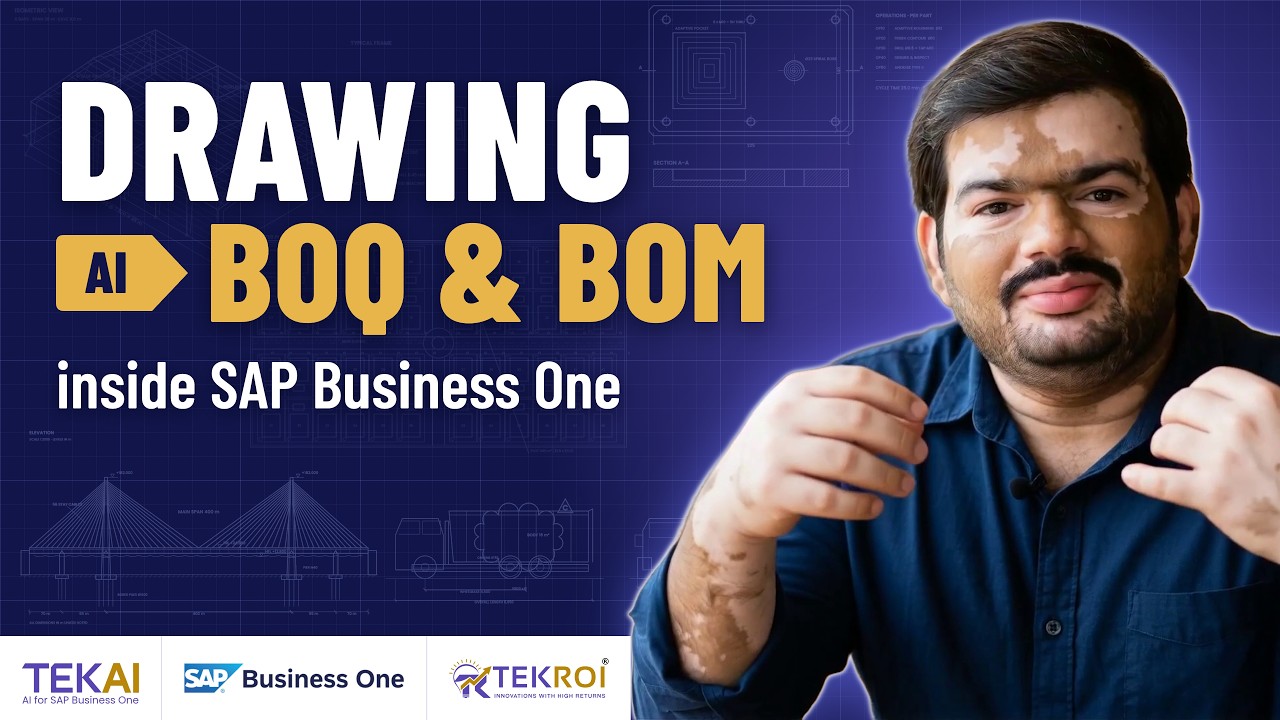
Every bridge, steel building or machine you build starts as a drawing, and every number that matters is already in it. With TEKAI, AI in SAP Business One reads that drawing and builds the BOQ (bill of quantities) or BOM (bill of materials) for you, with your own rates applied.
The two-minute video shows the full flow, from a cable-stayed bridge to a CNC part.
Visuals in this video are illustrative.
Contractors work from a BOQ and manufacturers from a BOM. Both list what has to be bought or made, and how much of it.
Until now the ERP could not read drawings. So the team measures quantities by hand (the quantity takeoff), builds the BOQ or BOM in Excel, then re-types it into the ERP line by line.
One revision to the drawing and they start again. Purchase requests and quotations wait until the new sheet is ready.
TEKAI works in four steps, from the drawing file to records in SAP Business One.
Each BOQ shows the drawing number and revision it was extracted from, such as PEB-3D-004 Rev C in the video. Anyone checking a quantity knows which sheet to open.
For contractors, PEB builders and developers, TEKAI builds the BOQ for anything from a cable-stayed bridge to an entire villa community.
| Project | Example BOQ lines |
|---|---|
| Bridges (cable-stayed, piers, girders) | Bored piles Ø1200 mm, pier and pylon concrete, Fe550D reinforcement, stay cable strands, steel box girder, bearings and expansion joints |
| PEB structures (pre-engineered steel buildings) | Built-up primary frames, Z and C purlins and girts, 0.5 mm AZ150 roof sheet, 0.45 mm wall cladding, M24 anchor bolts, rod bracing, roller shutters |
| Towers (transmission and telecom lattice) | Galvanised angle sections, HT bolts and nuts, cross-arm assemblies, 400 kV insulator strings, M25 stub foundations, earthing kits, number and danger plates |
| High-rise apartments | RCC M30, Fe550 TMT steel, 200 mm AAC blockwork, aluminium windows, flush doors, 800x800 vitrified tiles, 14-stop lifts |
| Villa communities (master plan, plots, roads) | G+1 villa shells, 75 mm bitumen roads, kerb stones, compound wall, landscape trees, water and sewer lines, street lights |
For manufacturers, change a drawing and your BOM already knows. Every machine you quote becomes its own multi-level BOM, and CNC and laser jobs come with toolpaths, cycle times, nesting and cut lengths.
| Work | Example BOM lines |
|---|---|
| Vehicle body and chassis | Chassis frame ST52, 4 mm CRCA body panels, 10R20 tyres, axle assemblies, hydraulic tipping kit, fasteners and brackets, PU paint system |
| Special purpose machines and conveyors | Frame weldment SHS 50x50, machined drive and tail pulleys, Ø60 carrying rollers, 600 mm PVC belt, 1.5 kW geared motor, machining and assembly hours |
| CNC machining | AL 6061-T6 billet, adaptive roughing and finish contour time, Ø8.5 drill with M10 tap, deburr and inspection, type II anodising |
| Laser cutting | 3 mm MS sheets (2500x1250), cut length on a 6 kW laser, pierce points, press brake bends, deburring, powder coating |
TEKAI also handles:
TEKAI reads DXF files, CAD parts-list exports in CSV or Excel, and PDF drawings. DXF is the drawing exchange format most CAD software exports, and many parts lists already sit in a spreadsheet.
So drawings and parts lists go to TEKAI as they are.
TEKAI keeps the same rule here as everywhere else it runs AI in SAP Business One: read-only by default, with transaction posting enabled based on testing.
Every revision is approved before your BOM changes. When a drawing moves from Rev A to Rev B, TEKAI shows what changed. In the conveyor example, Rev B takes the carrying rollers from 44 to 48 and the motor from 1.1 kW to 1.5 kW, and the BOM is updated only after that change is approved.
Once the BOQ or BOM is in SAP Business One, TEKAI Cockpit shows the whole business live, from project schedules to margin.
| View | What it shows |
|---|---|
| Projects | Overall progress, schedule variance, milestones and earned value, with a master schedule and a plan vs actual S-curve |
| Procurement | Purchase orders raised straight from the BOQ, with BOQ lines, purchase requests, RFQs, POs and GRNs tracked, plus lead time and on-time delivery |
| Production | Open work orders, OEE, output, scrap rate and load per machine |
| Finance | Revenue billed, collections, receivables, payables, budget vs actual by cost head and cash flow |
| Margin | Contract value, estimated cost from the live BOQ and margin by project, with an alert when a project falls below target |
In the video, the margin view flags tipper bodies dropping below target after a 6% rise in steel price, before the margin leaks.
Behind TEKAI is TEKROI, an official SAP Business One partner (SAP PartnerEdge — Sell & Service) in India and Nepal. The team brings 20+ years of SAP Business One expertise, 350+ implementations and customers live in 30 countries.
TEKAI is one of four solutions in the Generative AI category of SAP’s AI Partner Innovations playbook for SAP Business One. TEKROI solutions also work on SAP Business One systems set up by other partners.
A BOQ (bill of quantities) lists the materials, work and quantities for a construction project, usually priced with rates. A BOM (bill of materials) lists the raw materials, parts and sub-assemblies needed to make a product. TEKAI builds both from drawings.
DXF files, CAD parts-list exports in CSV or Excel, and PDF drawings.
Items, bills of materials and purchase requests. For machine builders it also creates a multi-level BOM and a sales quotation for each machine quoted.
TEKAI shows what changed between revisions, such as Rev A to Rev B. The BOM changes only after the revision is approved.
No. TEKAI is read-only by default, with transaction posting enabled based on testing. Drawing revisions are approved before the BOM changes.
Construction and infrastructure: bridges, PEB structures, transmission and telecom towers, high-rise apartments and villa communities. Manufacturing: vehicle bodies and chassis, special purpose machines and conveyors, CNC machining and laser cutting.
Yes. TEKROI solutions work on SAP Business One systems set up by other partners.
Book a free demo and watch TEKAI turn a drawing into a BOQ inside SAP Business One, live.
See a drawing become a BOQ inside SAP Business One in a free, live demo.